
Order Tracking Guide: How to Track an Online Order
To track an online order, find the tracking number in your shipping confirmation email or your account’s order history, then enter it on the carrier’s tracking page or open the tracking link in the email. Tracking shows milestones such as dispatched, in transit, out for delivery and delivered. It is not a live map. This guide explains each step, what each status means, why updates sometimes pause, and when to contact the seller.
Key Takeaways
- Order tracking follows an order from purchase to delivery using a tracking number, an order-status page and notifications.
- The tracking number arrives in the shipping confirmation email, and the order history in your account usually holds the same link.
- Updates appear when a parcel is scanned, so a quiet day or two does not mean the parcel has stopped.
- International parcels pause more often, especially around customs, and some UK deliveries may involve VAT or duty.
- If tracking stays unchanged for several days past the estimate, contact the seller first, with your order number to hand.
Table of Contents
- What order tracking is
- How to track an online order step by step
- What each tracking status means
- Why tracking updates pause
- Planning around delivery times
- What to do if tracking stalls, or the parcel is late or missing
- Tracking when you order bedding online
- Our perspective
- Ready to order bedding
- FAQ
- Sources
What order tracking is
Order tracking means following an online order from the moment you pay until it reaches you. Shopify’s guide to ecommerce order tracking describes it as monitoring an order from purchase to its final destination, using a carrier tracking number plus tracking pages or notifications the store provides to the customer.
In practice, three things work together:
- The order record. The store confirms your order, then packs it.
- The tracking number. Once the parcel is handed to a carrier, the carrier’s system issues a reference for it.
- The status page or notification. You see the latest event in an email, a text message, an app or a web page.
One point saves a lot of worry. Speed Commerce notes that parcel tracking is generally event-based, not continuous GPS-style location tracking. Updates normally appear when the carrier records a scan or another delivery event. Ordinary order tracking is milestone-based, while live GPS tracking is a separate and less common service, as Porter Logistics explains.
How to track an online order step by step
The route is the same for most stores, with small differences in where each button sits.
- Wait for the dispatch email. Tracking is available once the store has fulfilled the order and added a tracking number. Shopify Help says customers can then track using the store’s order-status page, shipping emails or the Shop app.
- Open the link in the email. The shipping confirmation normally contains a tracking link. Select it and the latest status opens.
- Or sign in and open your order history. For example, Google Store Help describes opening order history, selecting the order, checking the status and estimated delivery date, then selecting Track shipment. Other stores follow a similar pattern.
- Use the tracking page on the store’s site. Many shops have a Track Order link in the main menu or footer. Enter your order number and the email address used at checkout, or the tracking number itself.
- Go to the carrier directly. If you know the carrier, use its website and paste in the tracking number. If you do not, AfterShip’s international tracking guide says a multi-carrier tool can detect the carrier from the number.
- Let your inbox do it. Gmail Help says that when package tracking is enabled and an order email contains a tracking number, Gmail can show delivery status and estimated arrival in your inbox.
Keep three details together: the order number, the email address used at checkout, and the tracking number. Those three answer almost every question a seller or carrier will ask.
Where to find a tracking number
Look in the dispatch or shipping confirmation email first, then in the order history of your account. Search your inbox for the words “shipped”, “dispatched” or “tracking”. A tracking number is different from an order number. The order number belongs to the store, while the tracking number belongs to the carrier. If you only have an order number, use the store’s own tracking page.

Checking an order on Roomie Design
Roomie Design has order tracking and contact options on the site, so a dispatched order can be followed from the same place you bought it. Keep your confirmation email, as it holds the order number you will need.
What each tracking status means
Carriers and stores word statuses differently, and ParcelLab notes that specific terms and statuses might vary between merchants and carriers. The core sequence is similar everywhere. Porter Logistics lists order received, processing, picked and packed, shipped, in transit, out for delivery, delivered and exception as common statuses.
| Status | What it usually means | What to do |
|---|---|---|
| Order received / confirmed | The store has your order and payment. | Nothing. Check your confirmation email for the order number. |
| Processing | The order is being prepared. | Wait for the dispatch email. |
| Picked and packed | Items are collected and boxed. | Nothing yet. |
| Label created | A carrier code exists, but the carrier may not yet hold the parcel. | Allow time for the first scan. |
| Shipped / dispatched | The parcel has left the store’s warehouse or been handed to the carrier. | Start using the tracking number. |
| In transit | The parcel is moving between facilities. | Check every day or two. |
| Out for delivery | The parcel is on the final vehicle. | Make sure someone can receive it, or a safe place is set. |
| Delivered | The carrier has recorded delivery. | Collect it, or check the safe place. |
| Exception | The route was interrupted. | Read the full message and act if it asks something of you. |
The descriptions of “label created” and “in transit” follow TrackParcelHub’s help centre, which describes a label-created status as a carrier code generated before the courier has received the physical parcel. Shopify’s guide groups the whole journey into five fulfilment stages: order confirmation and processing, picking and packing, shipping, delivery, and reverse logistics (returns).
Why tracking updates pause
A parcel that shows no news for a day or two is usually still moving. Passport Global explains that updates depend on milestone scans, long-haul movement, weekends and holidays, system synchronisation between carriers, and handoffs to local delivery partners. It adds that most packages get a new scan every two to three business days on international routes, although longer gaps happen.
The usual causes:
- Scan-based updates. Nothing appears between checkpoints. DHL eCommerce Australia states that many shipments use milestone tracking, so time can pass between events while the package keeps travelling.
- Long legs. A flight, a ship or a long road transfer can run for days without a scan.
- Weekends and public holidays. Sorting centres run reduced schedules.
- Handoff to a local carrier. The international carrier passes the parcel to a domestic one, and the reference can change or take time to sync.
- Limited events in some countries. DHL notes that some shipments show limited origin-country events and none in the destination country.
What the gap looks like on an international order
On an order coming from abroad, a typical sequence is: label created, picked up, departed the origin country, a gap, arrived in the destination country, then a local carrier takes over. ParcelPlus’s guide explains that a “departed country” scan can be followed by a gap until a scan in the destination country. The same guide says a “held at customs” status may last anywhere from hours to weeks depending on the country, the value of the goods and the paperwork.

If you are ordering from abroad into the UK, read the latest message in full. GOV.UK explains that you will be contacted by the carrier if there is VAT or duty to pay on goods sent from abroad. A parcel may not move until the requested step is done. TrackParcelHub makes the same point: read the newest event in full, especially when it requests information or payment.
Planning around delivery times
Tracking tells you where a parcel is. How long the wait lasts depends on lead time: the time from order to dispatch plus transit. If you are furnishing a whole room, such as new bed linen, curtains and accessories, it helps to understand how lead times add up. This breakdown of bulk order lead times shows how processing and shipping stages combine, which is useful when several items for one project arrive separately.
Some practical habits:
- Order bedding at least a week before you need it, such as before guests arrive or a house move.
- Expect an order with several items to arrive in more than one parcel, each with its own tracking number.
- Do not assume a missing tracking update means a missing parcel. Compare the last scan with the estimated delivery date.
- For gifts, give the recipient’s address and a phone number the carrier can use, and forward the tracking link to someone who will be at home.
What to do if tracking stalls, or the parcel is late or missing
Work through these in order. Each step has a sensible waiting period.
- Give it a day or two. Google Store Help says some carriers take up to 24 hours to add tracking information, and advises waiting 48 hours after the estimated delivery date before contacting its support team.
- Treat 48 hours as normal, 72 as a reason to ask. UK locker and parcel company InPost says a 48-hour gap need not be alarming, as causes such as roadworks can sit outside anyone’s control. It advises contacting customer care if there is still no update after 72 hours.
- If it still says “label created” after about five business days, contact the seller first. ParcelPlus gives that threshold, as the parcel may not have reached the carrier.
- If the last customs scan is older than two weeks, contact the carrier and check whether the customs documents or any payment are outstanding (ParcelPlus gives the same two-week threshold).
- If it says delivered but you have nothing, check porches, outbuildings, mailrooms and with neighbours. ParcelPlus recommends doing this and then acting within a few days, so do not leave it for weeks.
- Contact the seller with your details. Send the order number, the tracking number, the delivery address and a screenshot of the latest status.
Sellers can usually raise a trace with the carrier faster than a customer can, which is why the seller is the first contact in most cases.
Tracking when you order bedding online
Bedding is bulky, and larger sets often travel in several boxes. A few specifics help:
- Sets and separate items. A duvet cover set, sheets and pillowcases ordered together may be packed together or split. Check whether your confirmation lists one parcel or more.
- Size check before dispatch. Confirm the size on your order before the parcel leaves. After dispatch, changes are harder to make. The Roomie Design site includes size guides for this reason.
- A delivery window. Choose an address where someone can receive a larger parcel, or a safe place.
- Keep the packaging until you have checked the contents, in case you need to raise a query.
Our perspective
At Roomie Design, we treat tracking as part of the product. Bedding is chosen for how it feels, how it looks and how it fits the bed, and the order should be as easy to follow as the shopping.
We offer duvet cover sets, duvets and bedspreads, sheets, pillowcases and mulberry silk bedlinen in cotton, silk, linen and lyocell, across many sizes and styles. Because the range is wide, a single order can include several pieces. Our site includes size guides, customer reviews, order tracking and contact options so that the path from choosing to receiving stays clear.
Our advice is simple: keep your confirmation email, use the tracking link once the order ships, and contact us with your order number if something looks unclear. Good bedding deserves an easy delivery.
Roomie Design
Ready to order bedding
For a bedroom refresh, the duvet cover sets collection covers luxury, minimal, floral, plain dye, reversible and farmhouse styles. To complete the bed, add sheets, pillowcases or mulberry silk bedlinen. Each order can be followed with order tracking once it ships.
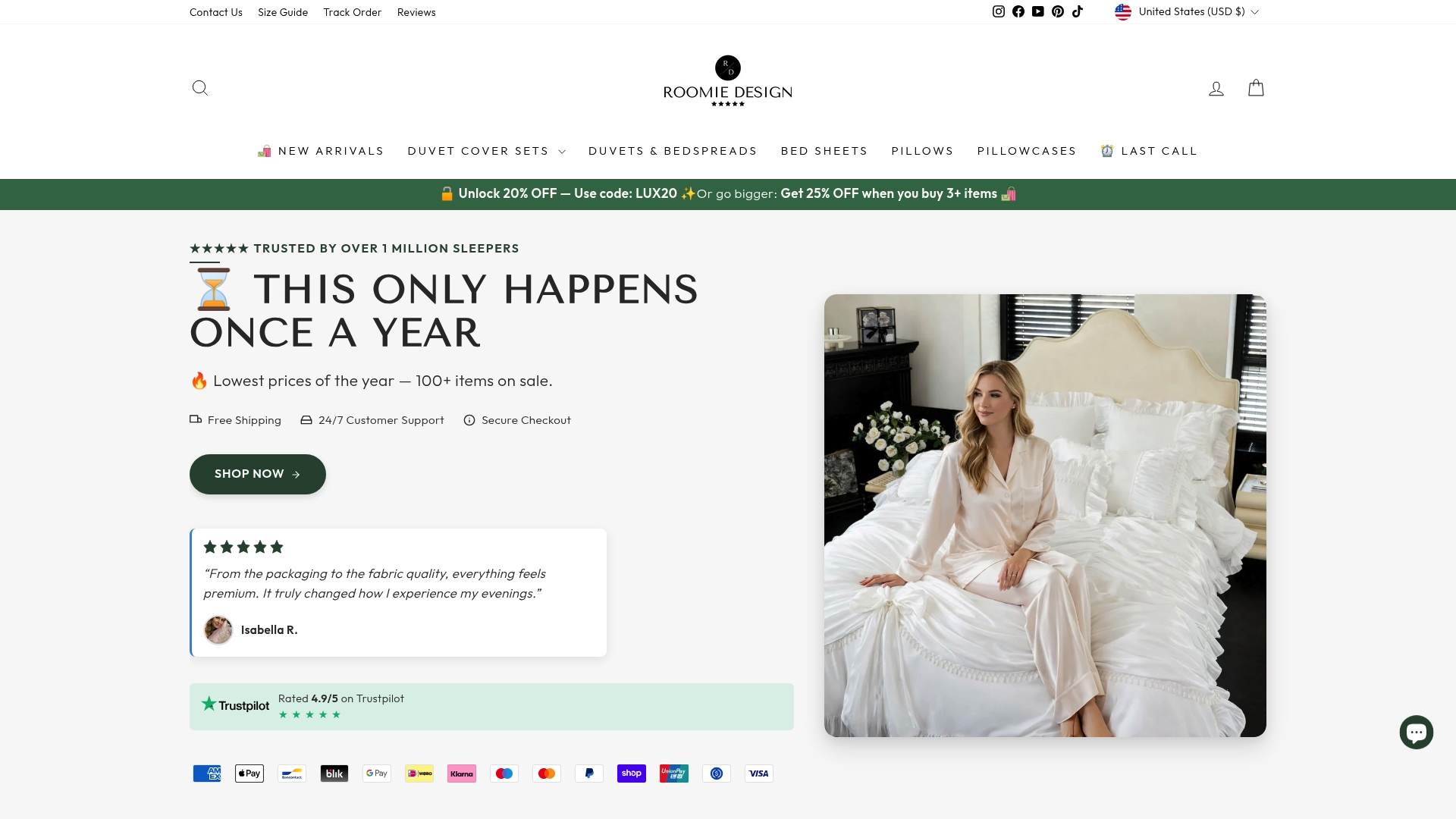
For a full set, browse the Roomie Design collections, check the size guide against your mattress, and keep your order confirmation for tracking.
FAQ
What does order tracking mean?
Order tracking is following an order from purchase to delivery. It uses a tracking number from the carrier and an order-status page, email or text notifications from the seller. It shows milestones such as dispatched and out for delivery, not a live position.
How do I track an order without a tracking number?
Use the order number and the email address from checkout on the store’s own tracking page, or sign in and open your order history. The dispatch email also holds the link. If none of these work, contact the seller with your order details.
Why has my tracking not updated for days?
Tracking updates when the parcel is scanned, so long journeys, weekends and customs checks can leave gaps. Most international packages get a new scan every two to three business days, according to Passport Global. If there is no update after 72 hours, contact the seller or carrier.
Can I track a parcel from abroad into the UK?
Yes. Use the carrier’s website with the tracking number, or a multi-carrier tracking tool if you do not know the carrier. Read any customs message in full, because VAT or duty on goods sent from abroad may need to be paid before delivery.
What should I do if my order says delivered but has not arrived?
Check porches, outbuildings, mailrooms and with neighbours first. If it is still missing after a few days, contact the seller with your order number, tracking number and address so they can raise a trace with the carrier.
Sources
- Ecommerce Order Tracking: Types, Benefits, and Tips, Shopify
- Order tracking, Shopify Help Center
- What Is Order Tracking?, Speed Commerce
- What is Order Tracking?, Porter Logistics
- Track or manage your Google Store order, Google Store Help
- Package tracking in Gmail, Gmail Help
- International Shipping Tracking, AfterShip
- Understanding Delivery Status, ParcelLab
- Parcel Tracking Help Center, TrackParcelHub
- Why haven’t I seen new tracking updates?, Passport Global
- Tracking and Shipment Status FAQ, DHL eCommerce Australia
- Worldwide Parcel Track: Practical Tracking Guide, ParcelPlus
- Tracking explained, InPost
- Tax and customs for goods sent from abroad, GOV.UK
- Bulk order lead times


